Cut from the couch.
The panel docks in Premiere Pro. Tick a clip on your phone and it lands on the open sequence — native, full quality, about a second later.
Tick it here. It cuts there.
No cable, no export, no round trip. The picks arrive in your pick order, on the tracks you nominate.
Tap a row on the phone.
Three steps, once.
Dock the panel.
Install the extension, then open Window → Extensions → CherryClipz. Dock it beside your project bin and leave it there.
Turn on phone control.
Flip the switch. The panel shows a link and a QR code — open either on your phone. The pairing lasts as long as the project is open.
Tick from anywhere.
Every clip you tick lands on the open sequence as native media, in pick order. Untick and it lifts back out.
Native media, not a render.
The original file, trimmed.
Your source media is placed with in and out points set. No transcode, no proxy, no generation loss. Colour, LUTs and effects behave exactly as if you had cut it by hand.
Nothing is destructive.
Ticks map to clips on the sequence. Untick and the clip lifts out. Reorder in the sheet and the sequence follows. Bins, markers and other sequences are untouched.
V1 and A1 stay linked.
Video and its audio land together as a linked pair on the tracks you nominate. Multi-track sources let you choose which channel comes along.
Or export it yourself.
Not in Premiere? The same cut exports as MP4 with captions, an EDL, or Premiere XML — in the same pick order, from the same sheet.
One sheet. Whatever you open it on.
The same clips and the same picks reflow to the screen in front of you — the full editor on an iPad or an unfolded Fold, the compact sheet when it folds shut.
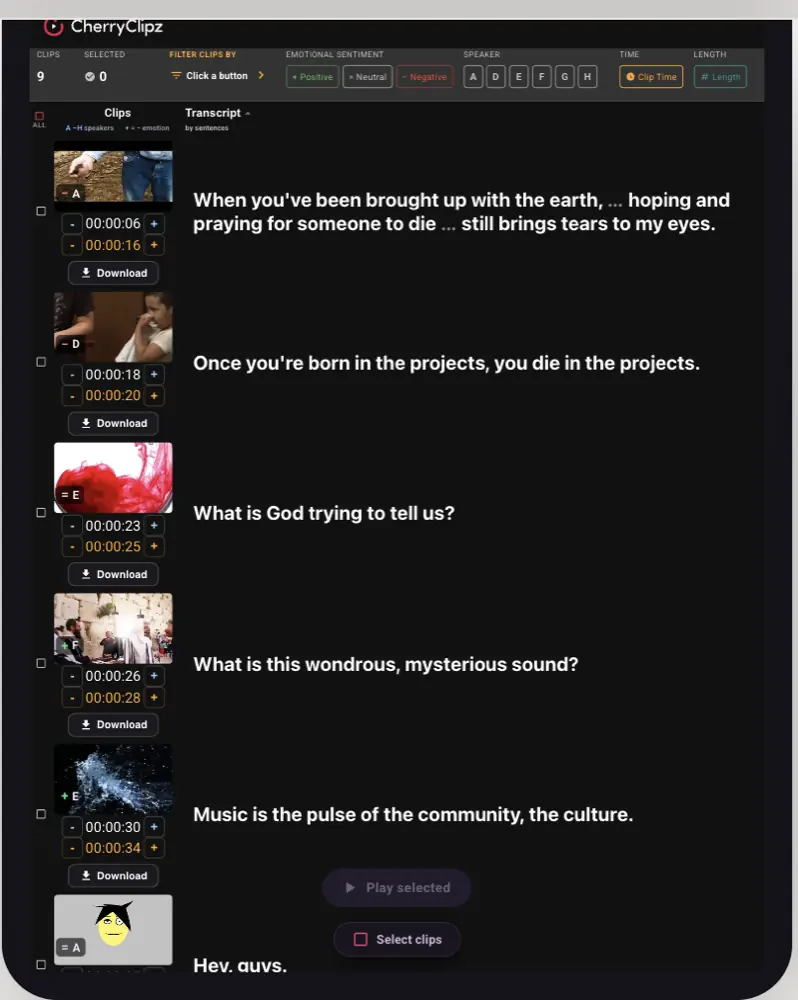
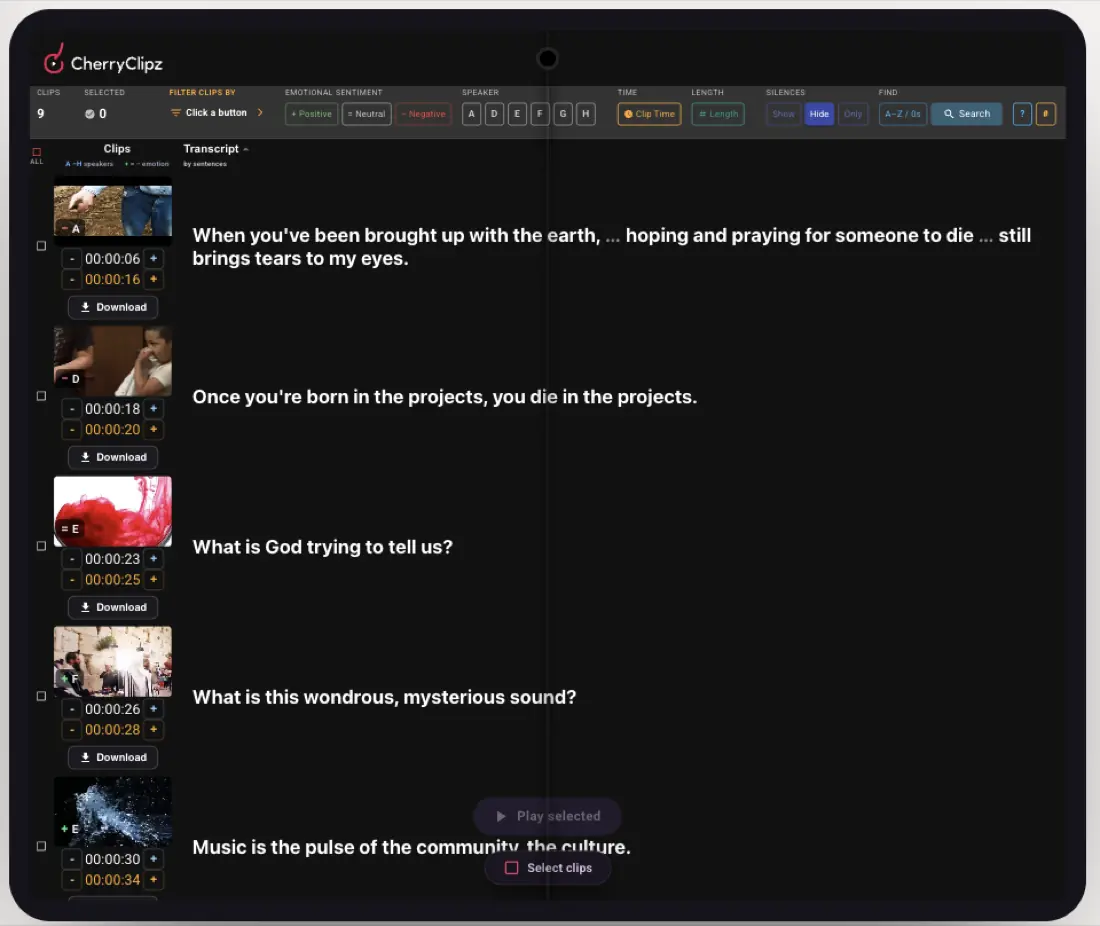
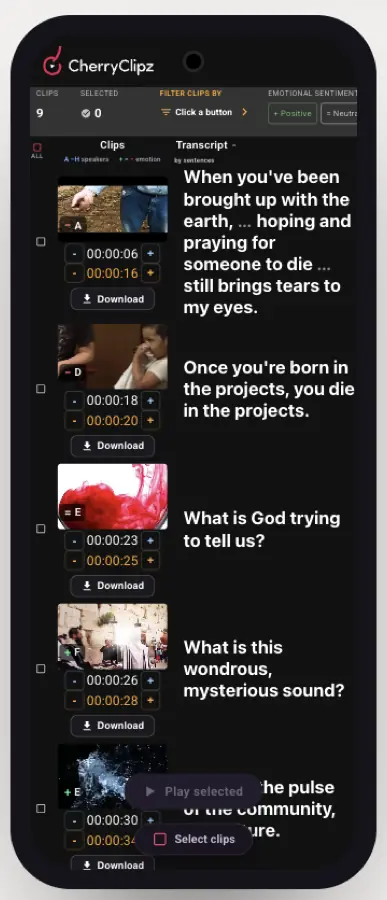
Screenshots of the live product, captured 19 Aug 2026.
The panel comes with Pro.
The whole web editor. Export Premiere XML by hand.
- 5 hours of transcription
- 10 GB · 50 exports a month
- MP4, EDL and Premiere XML
For editors shipping something every week.
- The Premiere Pro panel
- Live phone control
- 15 hours of transcription
- 100 GB · 500 exports a month
macOS · Premiere Pro 2022 or newer. The web editor works everywhere.
Stop scrubbing the timeline.
Read the sheet, tick the good lines, let Premiere do the assembling.
This is a concept page. The button opens the real CherryClipz.